Photographers Light Table
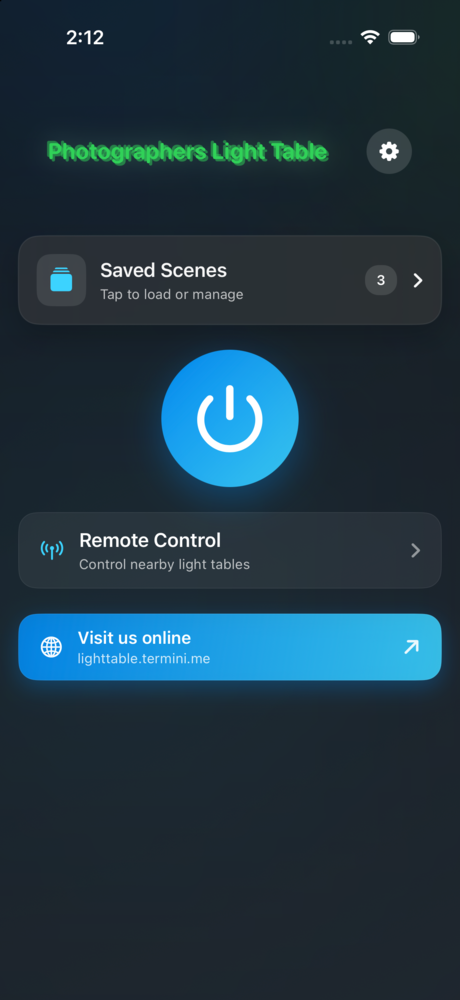
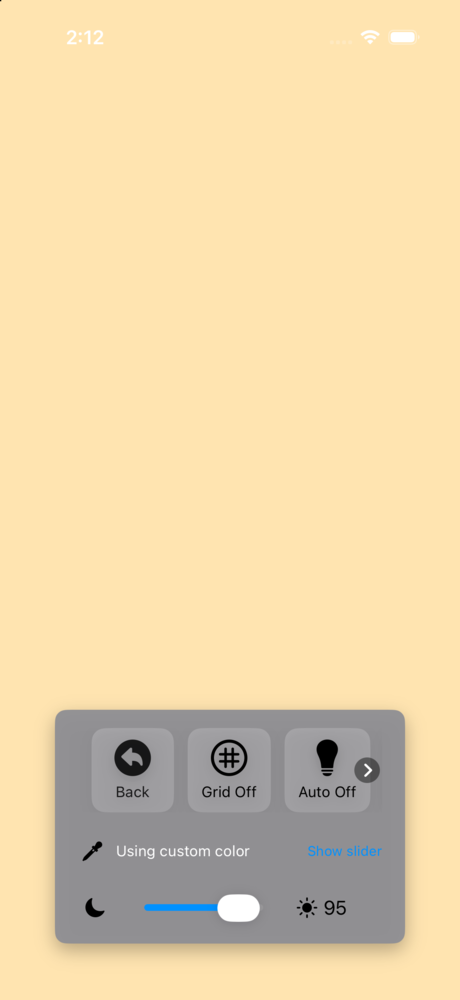
Turn your phone or tablet into a clean, even light source for viewing film negatives, slides, and prints — ready to be copied or scanned with another camera. Photographers Light Table gives you precise control over brightness, color, and color temperature, plus an alignment grid, saved presets, gentle ambient effects, and a remote you can drive from a browser or a second device.
Astrophotographers also use it as a controllable flat-field light source for shooting calibration flats — pair the even, adjustable screen with a diffuser over the objective for consistent, repeatable flat frames.

Features
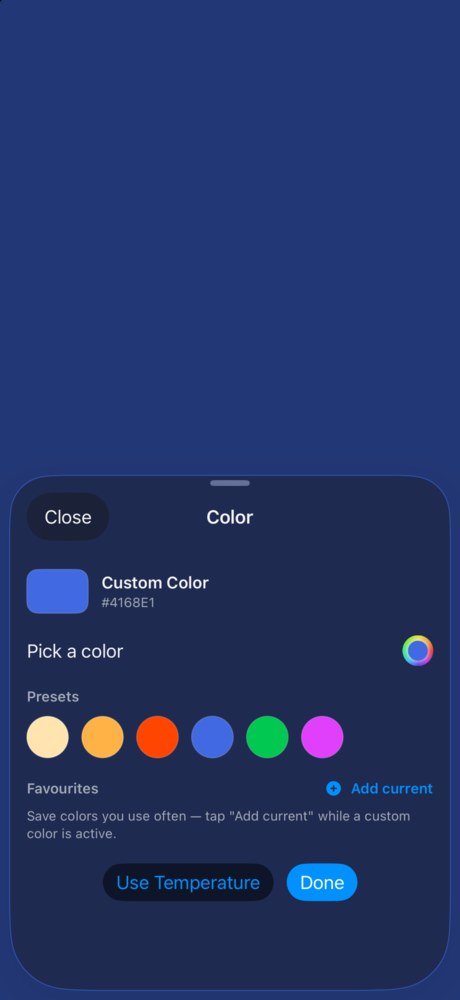
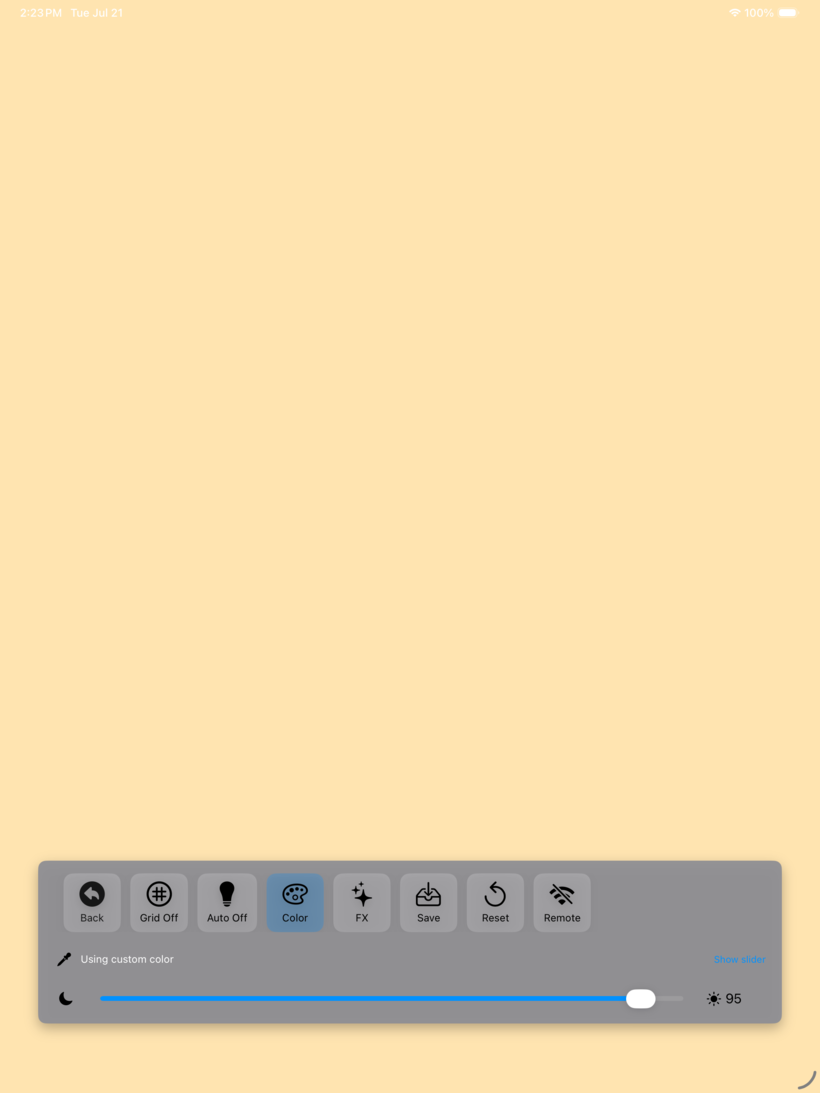
- Even, adjustable light — dial in brightness and color temperature for a neutral surface, or pick any solid color.
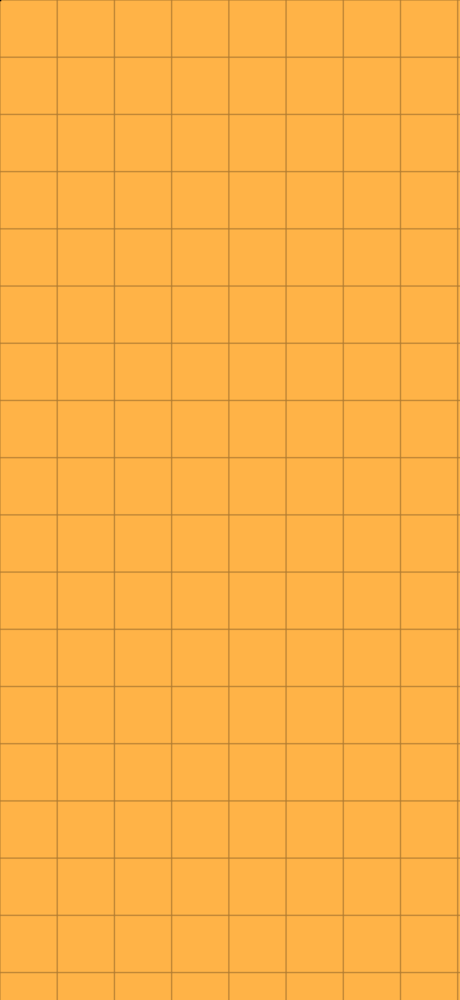
- Alignment grid — toggle an adjustable grid to line up and compose scans.
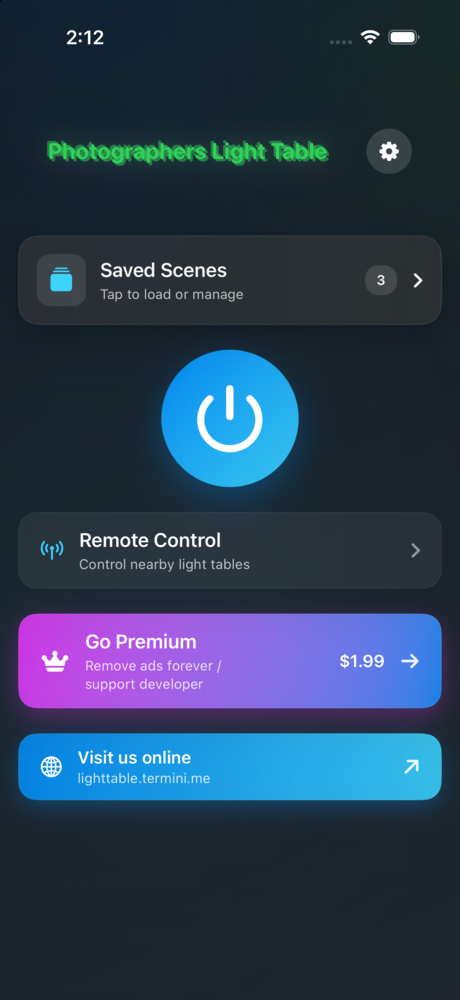
- Scenes — save your favorite setups, then apply, rename, export, and re-import them; back up your whole library to a file.
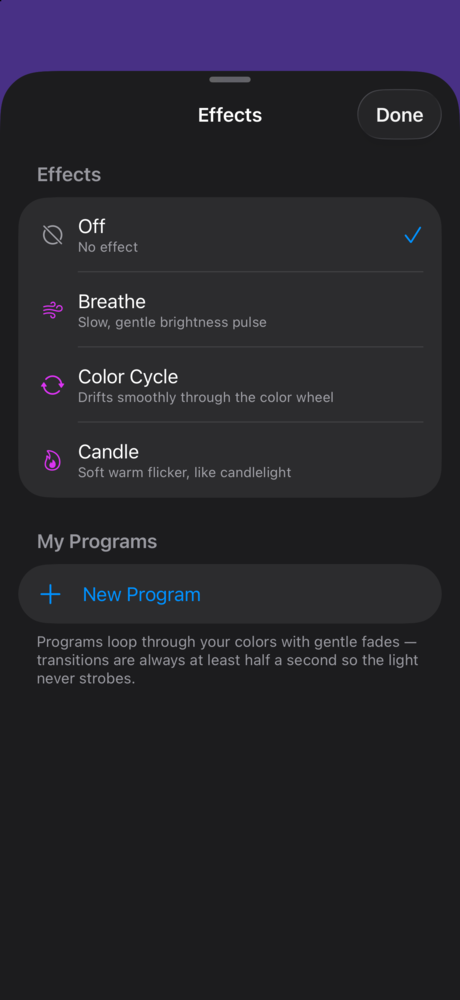
- Effects — slow, photosensitivity-conscious ambient effects (Breathe, Color Cycle, Candle) plus your own programmable color sequences.
- Remote control — adjust the table from any browser on the same WiFi, or device-to-device with no shared network at all: iPhone to iPhone over peer-to-peer WiFi, Android to Android over Bluetooth. Control several tables at once, with optional PIN protection.
- Astrophotography flats — a steady, even, dimmable panel for shooting consistent calibration flats.
- Made for the job — keep-screen-on, favorite colors, and a distraction-free surface. Universal on iPhone and iPad, and on Android phones and tablets.
Screenshots
Made for iPad
Change log
Android 3.0 — September 2026
- First release on Android, with the same light table, scenes, effects and remote control as the iOS app.
- Scene files and the remote-control protocol are shared with iOS, so a scene exported on one platform imports on the other and either app can drive the other's table over a shared network.
- Android-to-Android remote works with no shared network, over Bluetooth.
Version 3.0 — July 2026
- Remote control: drive the light table from a web browser on your WiFi, or directly from a nearby iPhone or iPad over a peer-to-peer connection.
- Control multiple tables at once as a group, or focus any single table.
- Manage scenes from the remote — apply, save, rename, and export.
- Effects: gentle Breathe, Color Cycle, and Candle effects, plus a programmable effect editor for your own looping color sequences.
- Favorite colors for one-tap access in the color picker.
- Optional PIN to restrict who can connect to your table.
- Refreshed controls, in-app legal documents with full version history, and many refinements.
Version 2.0 — January 2026
- Cleaned-up interface and settings menu
- Save, import, and export scenes; back up the scene library
- Solid color backgrounds and a Reset button
- Premium purchase to remove ads
- Dropped support for iOS 15
Version 1.1 — 2023
- Added white balance; UI overhaul
Version 1.0 — 2023
- Initial release